Free
€0
Organize a target library with up to 1,000 photos.
- Desktop application
- NAS/server agent
- Source folders can be larger
- Exact duplicate detection
- No credit card required
 Photos At Last Guides Contact Download
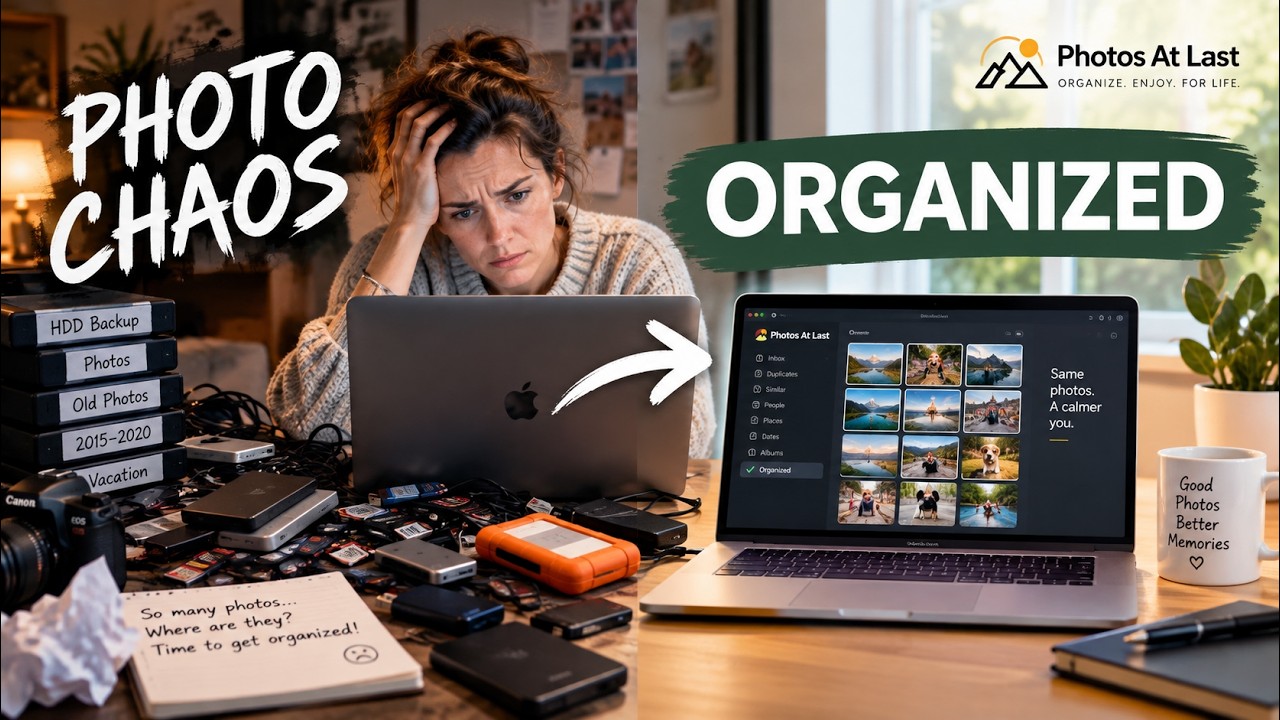
 A calmer way to sort years of photos
Years of photos spread across folders, drives and a NAS? Photos At Last helps you find exact duplicates and bring your collection together—while keeping you in control of every file.
Up to 1,000 photos free · No credit card · Your photos aren’t uploaded
How it works
Pick the photo collection you want to keep and build on. This becomes the organized home for your photos.
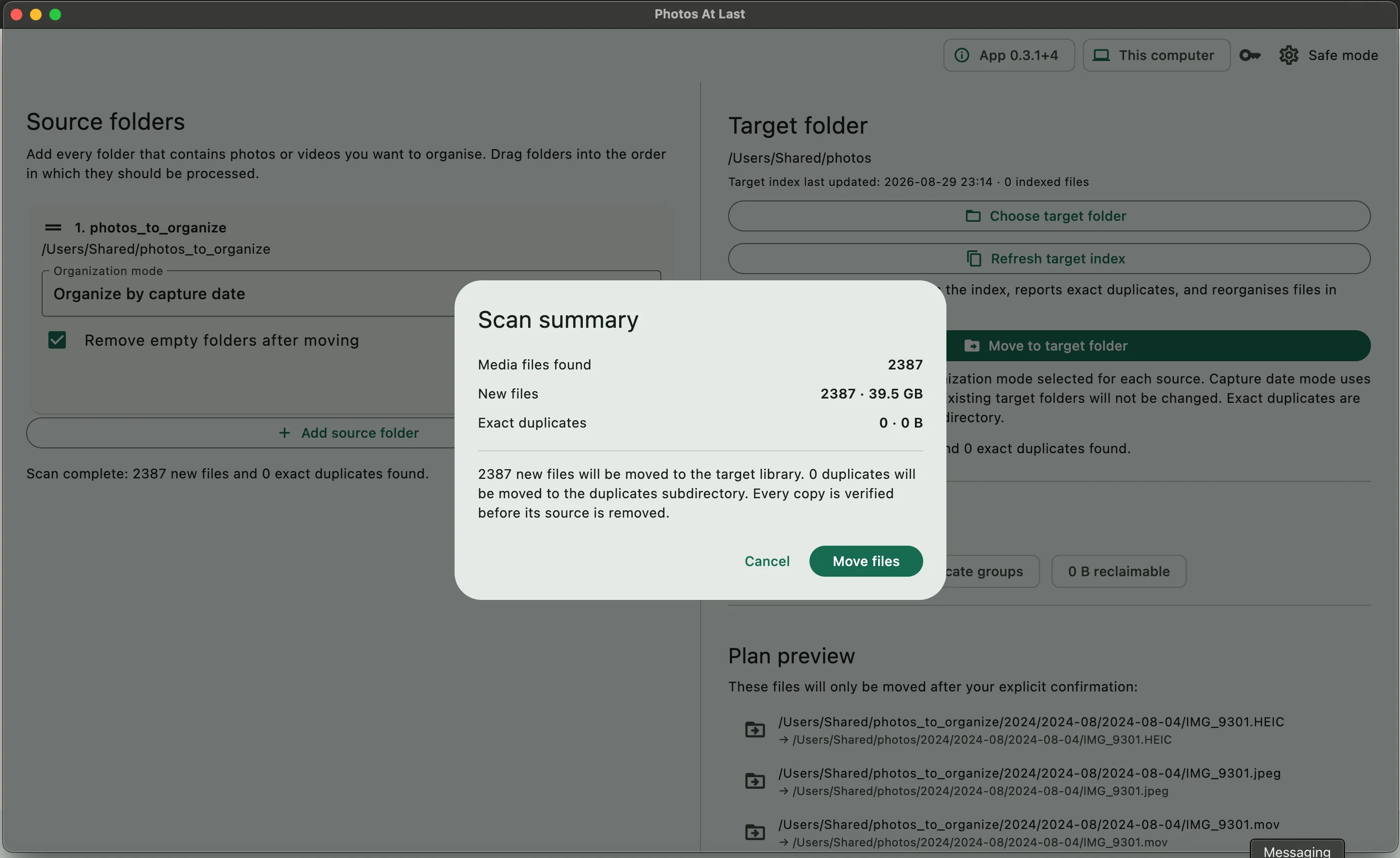
Connect folders, drives or your NAS. Photos At Last compares them and identifies exact duplicates.
Move the unique photos into your target. You review the result and remain in control throughout.
Designed for clarity
Photos At Last focuses on the decision in front of you: what is already safely in your target library, and what should be brought across.
Optional NAS agent
Run photos-at-last-agent in Docker on a compatible NAS or server. The desktop app connects to it, so duplicate detection and file operations happen where your photos already live—not by transferring thousands of files to your computer.
Privacy by location
Photos At Last processes your library locally on your computer or through the agent on your own NAS/server. Your photos are not uploaded to Photos At Last for duplicate detection.
Simple pricing
No subscription. No credit card for the free version.
Free
€0
Organize a target library with up to 1,000 photos.
Early Access
€39 EUR · one-time
Your final price is shown in your local currency at checkout.
Organize an unlimited target library.
Sold by All Open, the merchant name shown at checkout.
Early Access help
Join our informal Early Access sessions for help organizing your photo collection or setting up photos-at-last-agent.
Small, personal sessions—not an enterprise support desk.
Good to know
No. Duplicate detection happens on your computer or through photos-at-last-agent running on your own NAS or server. Your photos are not uploaded to Photos At Last.
Only the number of photos in your chosen target library. Source folders can contain more than 1,000 photos.
The optional photos-at-last-agent is designed to run in Docker on a compatible NAS or server. Exact compatibility will be documented as testing progresses.
No. The desktop app can work with local files on its own. Docker is only needed when you want the optional agent to process files directly on a NAS or server.
No. Photos At Last identifies exact duplicates and helps move unique photos into your target library. You stay in control of what happens to your files.
The version you purchased keeps working. You simply stop receiving new updates after the included two-year period.
No. Early Access is a one-time purchase. The final price is shown in your local currency at checkout.
macOS and Windows are available now. The optional Docker agent runs on compatible NAS devices and servers.
Photo Organization Guides
Working through years of scattered photos? Our guides explain how to plan, check, and organize your collection without rushing to delete anything.
Explore the guidesOne collection. At last.
Start with up to 1,000 photos. No credit card required.
Download